
2024-11-11
So far, we have written code inside the setup() function, but to create animations, we use the draw() function. The draw() function, like the setup() function, is automatically called by p5.js. By writing drawing processes inside the draw() function, we can create animations.
function setup() {
    // Code that runs once
}

function draw() {
    // Code that runs repeatedly
}
The difference between the two functions is that the setup() function is called once when the program starts, while the draw() function is called repeatedly while the program is running.
Various Animations
Let's try drawing a circle inside the draw() function.
function setup() {
    createCanvas(400, 400);
    background('#F1F5F9');
}

function draw() {
    circle(200, 200, 100);
}
It looks the same as when we draw a circle inside the setup() function. This is because we are drawing the circle at the same position repeatedly. To move the circle, we need to update its position each time.
Let's use the variables mouseX and mouseY to draw a circle at the mouse position.
function setup() {
    createCanvas(400, 400);
    background('#F1F5F9');
}

function draw() {
    circle(mouseX, mouseY, 100);
}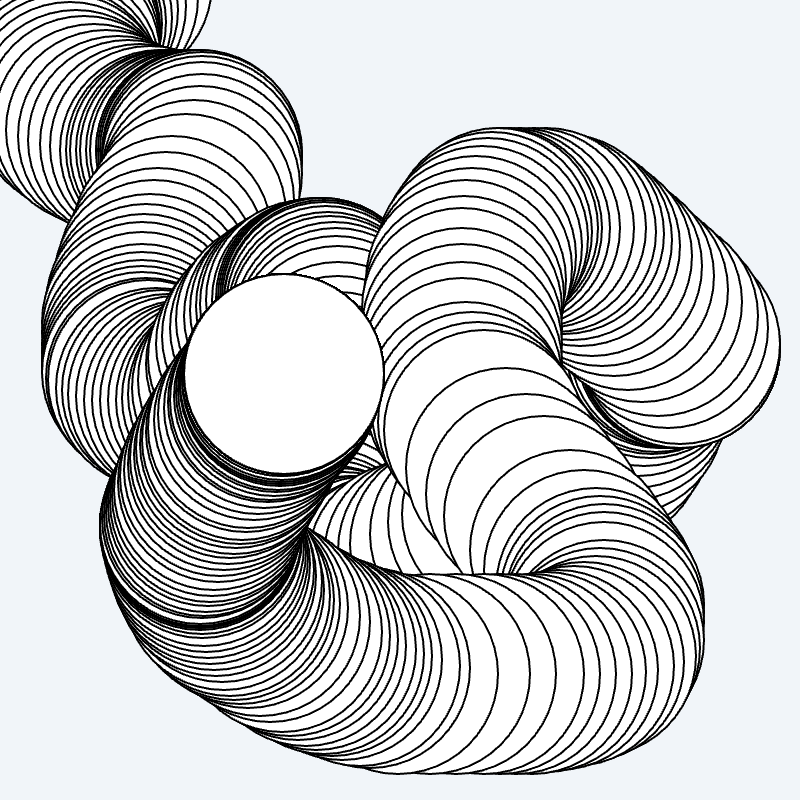
We can see that the circle is drawn following the mouse position. Now we understand the basic structure for creating animations.
Next, let's draw a circle at a random position instead of the mouse position.
function setup() {
    createCanvas(400, 400);
    background('#F1F5F9');
}

function draw() {
    let x = random(width);
    let y = random(height);
    let r = random(50);
    circle(x, y, r);
}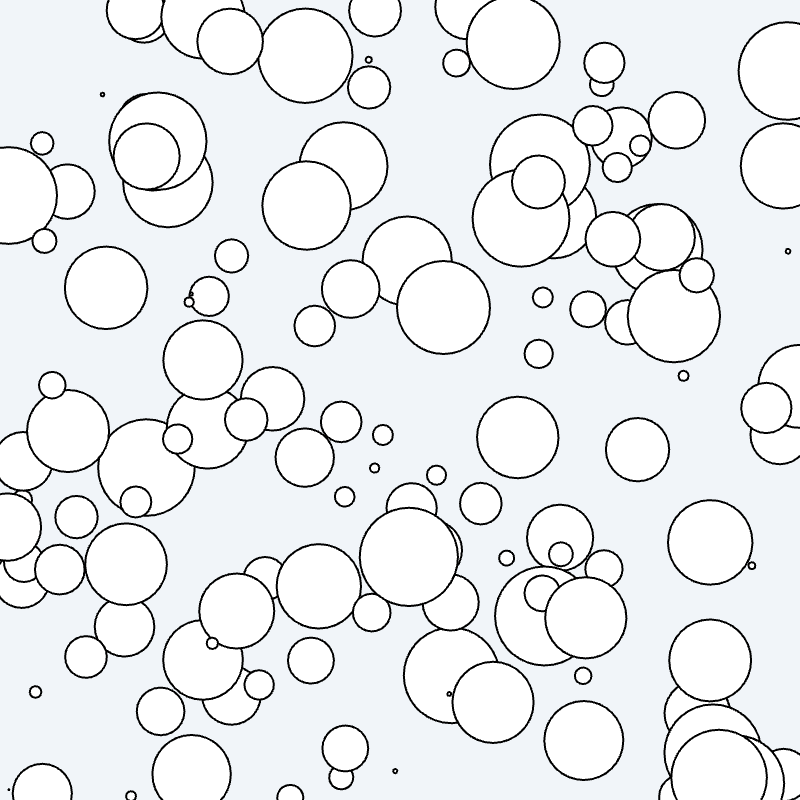
A new function has appeared. The random() function returns a random value within the range specified by its argument. random(width) returns a random value between 0 and width. In this case, we are setting the position and radius of the circle randomly.
Now, let's move the circle to the right. We will use the variable x to increase the x-coordinate of the circle by 1px each time.
let x = 0;
let y;
function setup() {
    createCanvas(400, 400);
    background('#F1F5F9');
    y = height / 2;
}

function draw() {
    circle(x, y, 50);
    x += 1;
}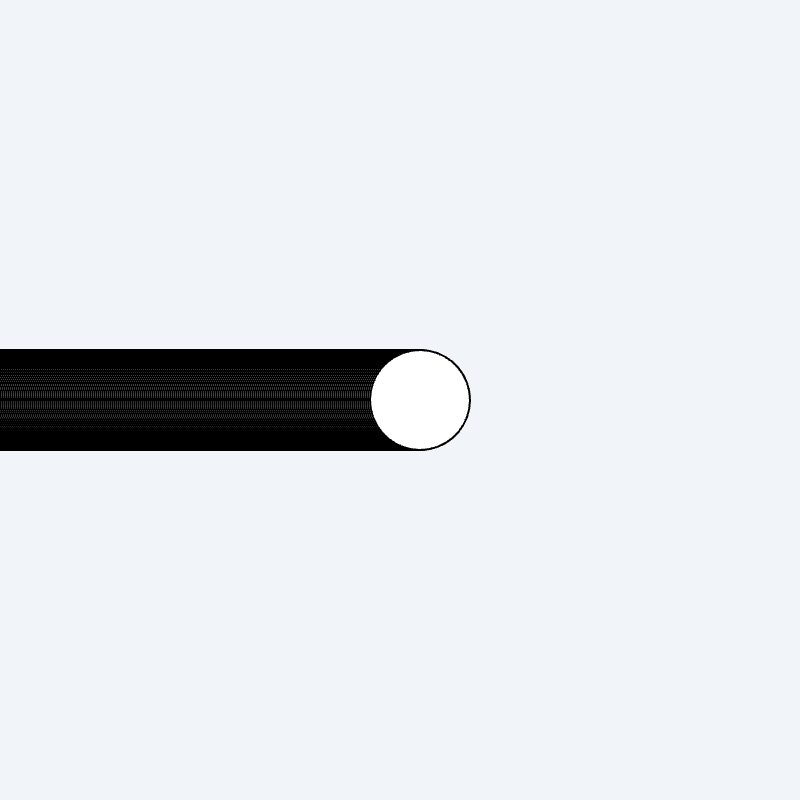
The circle is indeed moving to the right, but the previous trail remains. This is because we need to clear the previous circle before drawing the new one. By using the background() function, we can clear the background each time and remove the previous trail.
let x = 0;
let y;
function setup() {
    createCanvas(400, 400);
    y = height / 2;
}

function draw() {
    background('#F1F5F9'); // Clear the background
    circle(x, y, 50);
    x += 1;
}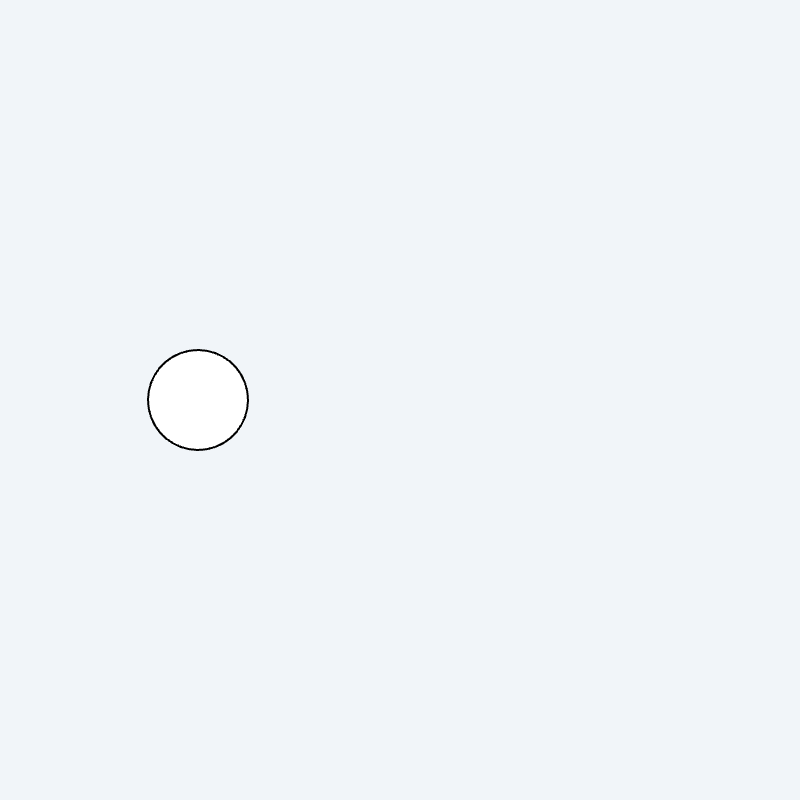
Now, the animation of the circle moving to the right is complete.