
2025-02-10
Distribute Evenly
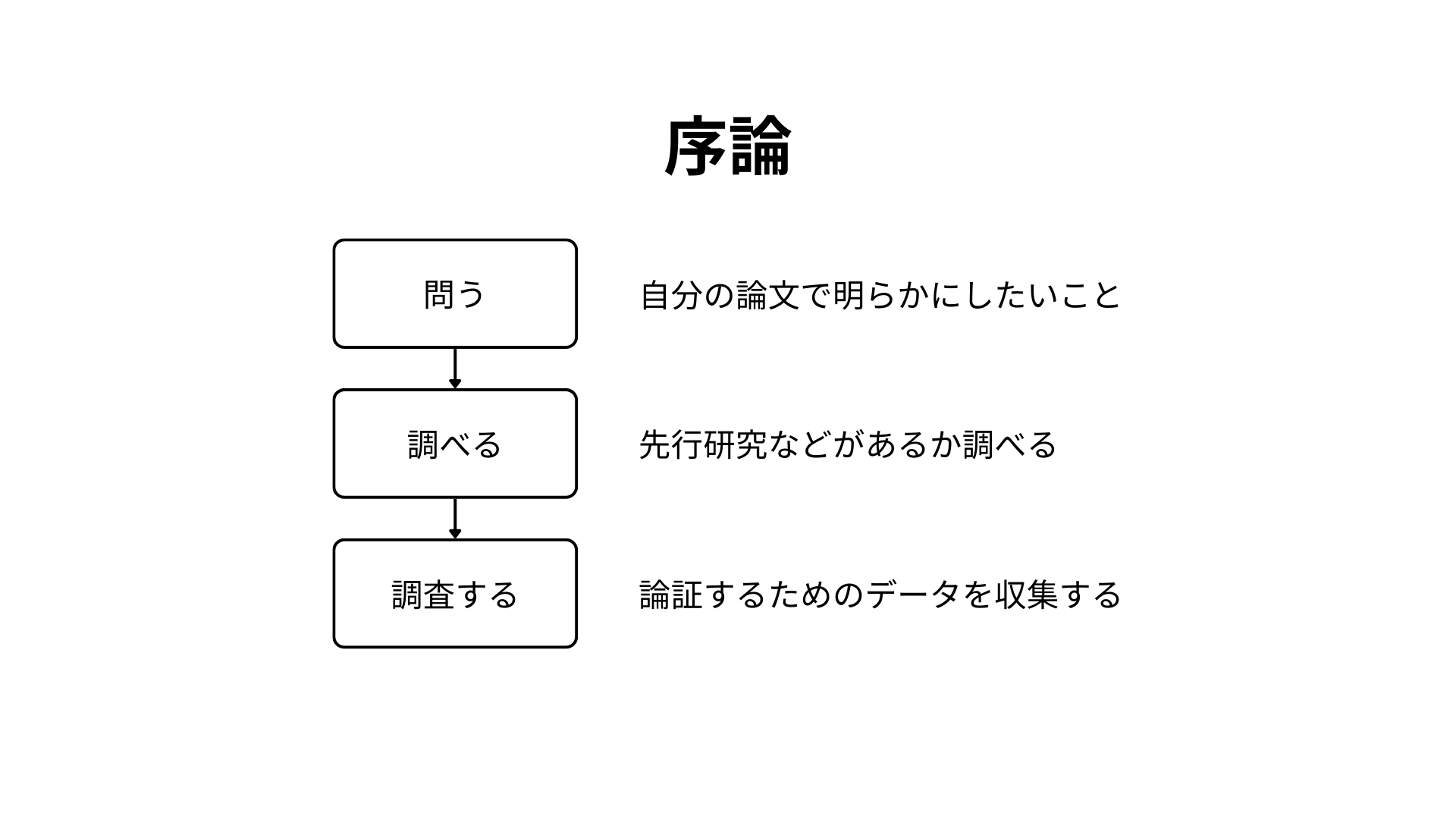
Introduction
Ask
Research
Investigate
What you want to clarify in your paper
Check for prior research
Collect data for your argument
Creating the Slide
First, create three rectangles on your slide and insert the text "Ask," "Research," and "Investigate" in the center of each. You can insert text by double-clicking a rectangle. Set the rectangle background to white and the border to 4px black.
If creating three rectangles is tedious, you can duplicate one rectangle instead. There are two ways to duplicate an object:
- Select the object, then copy (
Ctrl + C) and paste (Ctrl + V) - Hold the
Altkey and drag the object (recommended!)
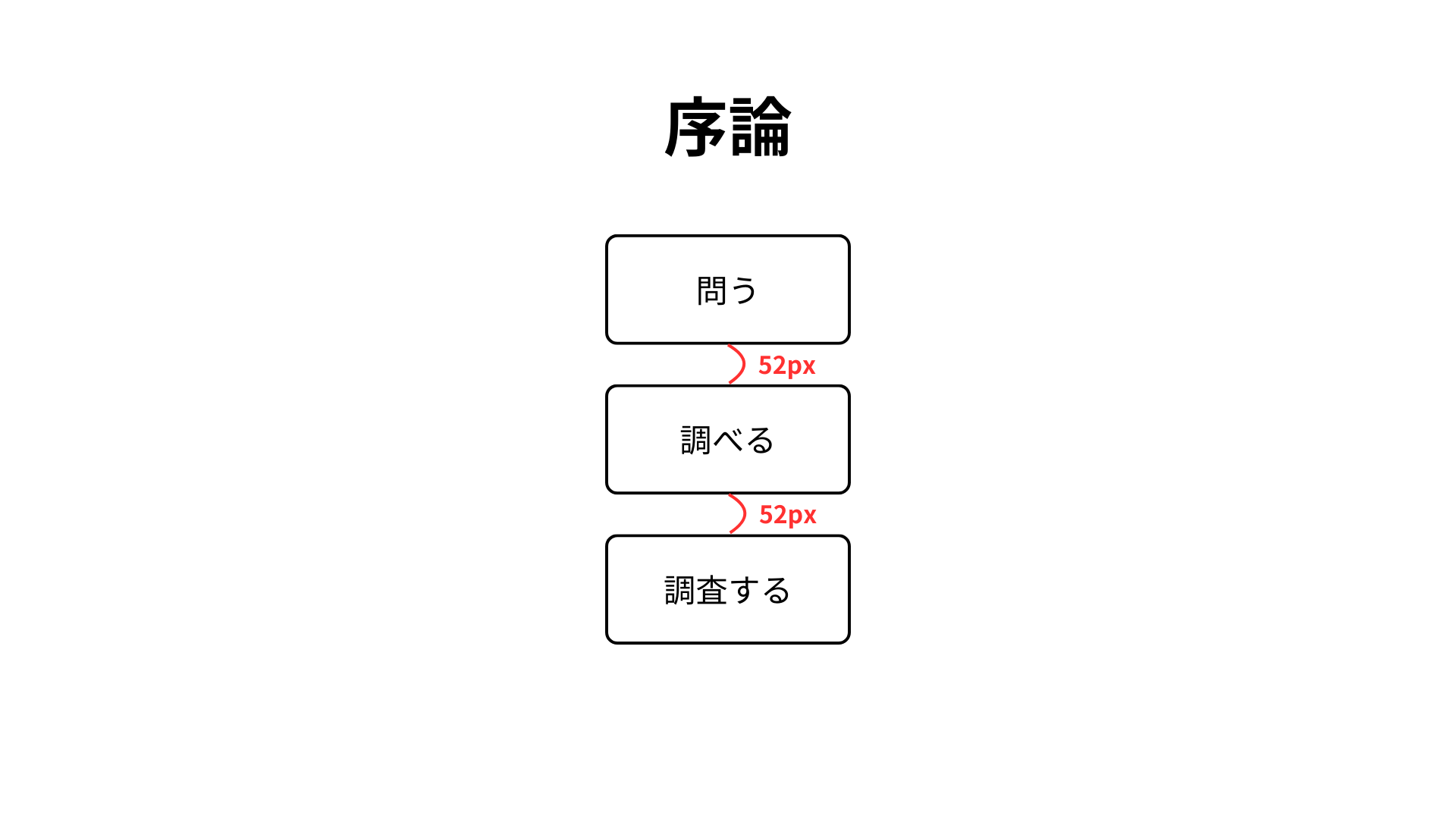
Next, arrange the three rectangles vertically with equal spacing. In Canva, you can distribute objects evenly by:
- Clicking "Position" → "Tidy up"
- Using the shortcut
Alt + Shift + T
Or, you can drag objects and use the magnet feature to align them evenly. Here, we'll select all three and use the Alt + Shift + T shortcut to distribute them evenly.
Next, add subtext to the side of each rectangle. The subtexts are: "What you want to clarify in your paper," "Check for prior research," and "Collect data for your argument." Place these to the right of each rectangle, vertically centered.
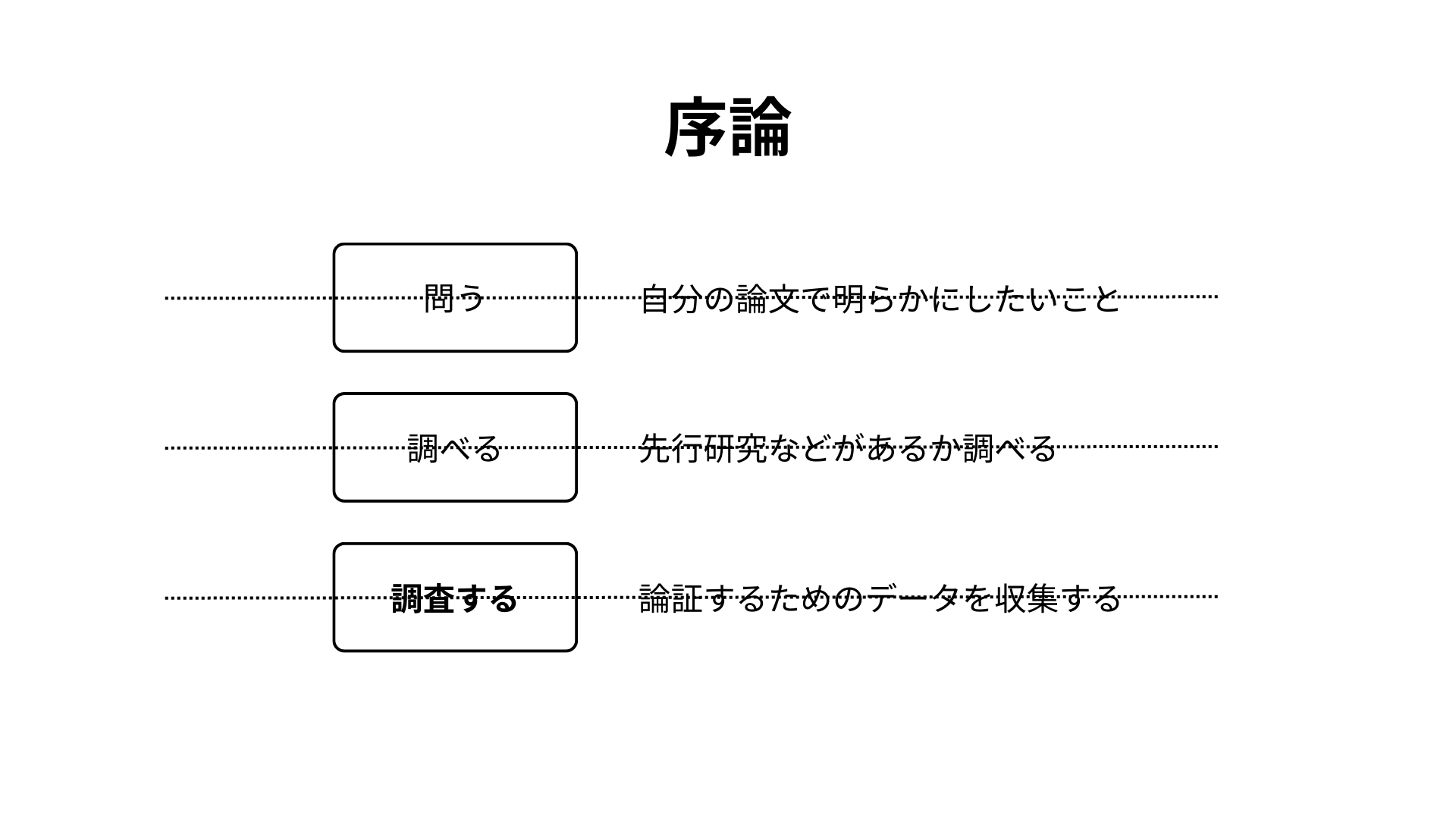
Also, select all objects except "Introduction" and use the magnet feature to center them horizontally.
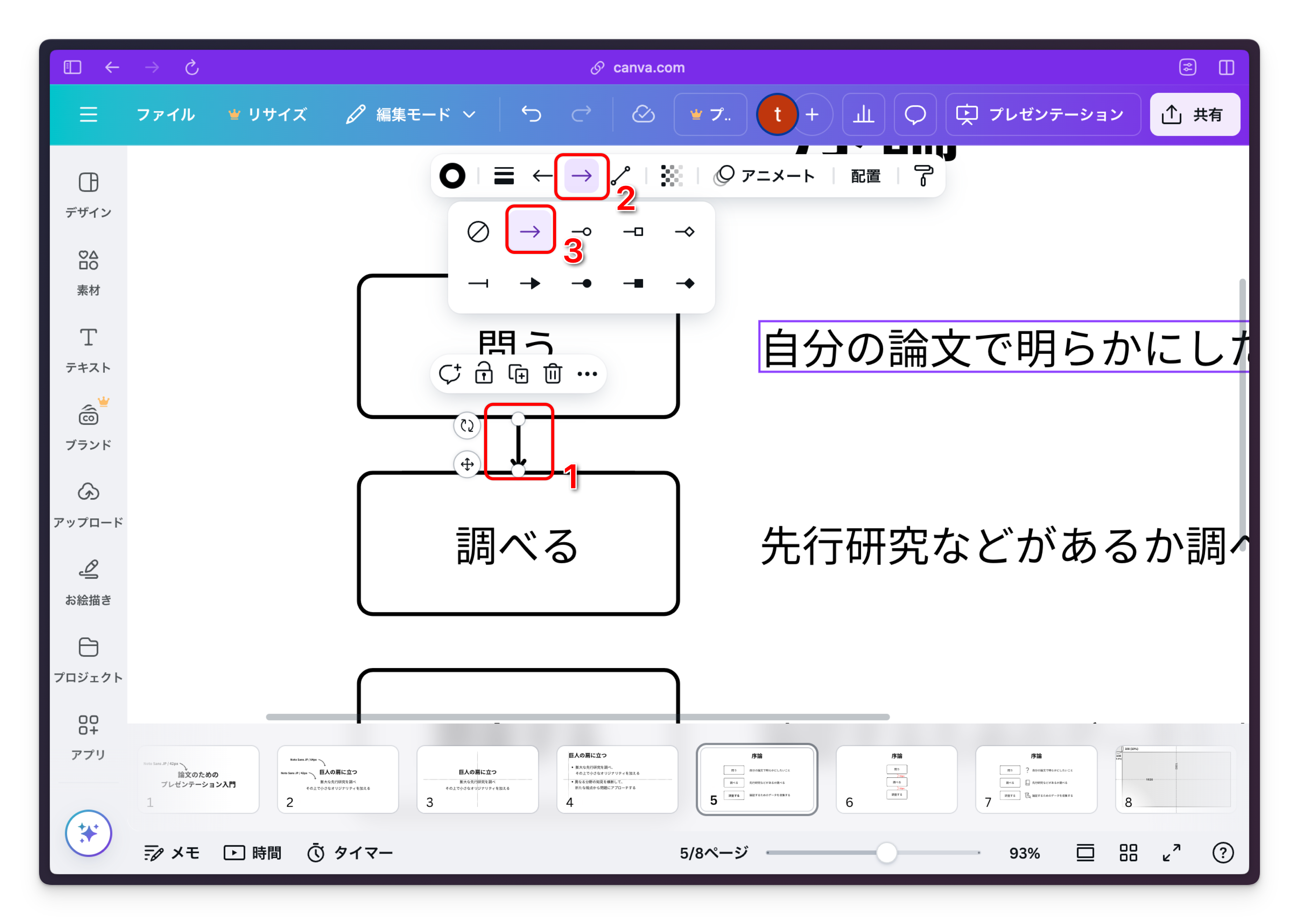
Finally, add arrows to the margins of each rectangle. You can create arrows from lines. Use the shortcut L to insert a line, then select the line and change its properties to make it an arrow.
Done!