§1.1 Placing Text
KM
bykarutt
2025-02-10
Placing Objects
Canva provides four main types of objects you can place on your slides. Each has a shortcut key, which is convenient to remember.
| Object | Shortcut Key |
|---|---|
| Add Text | T |
| Add Rectangle | R |
| Add Circle | C |
| Add Line | L |
Note: When using shortcut keys, make sure no object is currently selected. If an object is focused, the shortcut may not work.
Placing Text
Let's try placing some text. Use the T shortcut to add text as shown below.
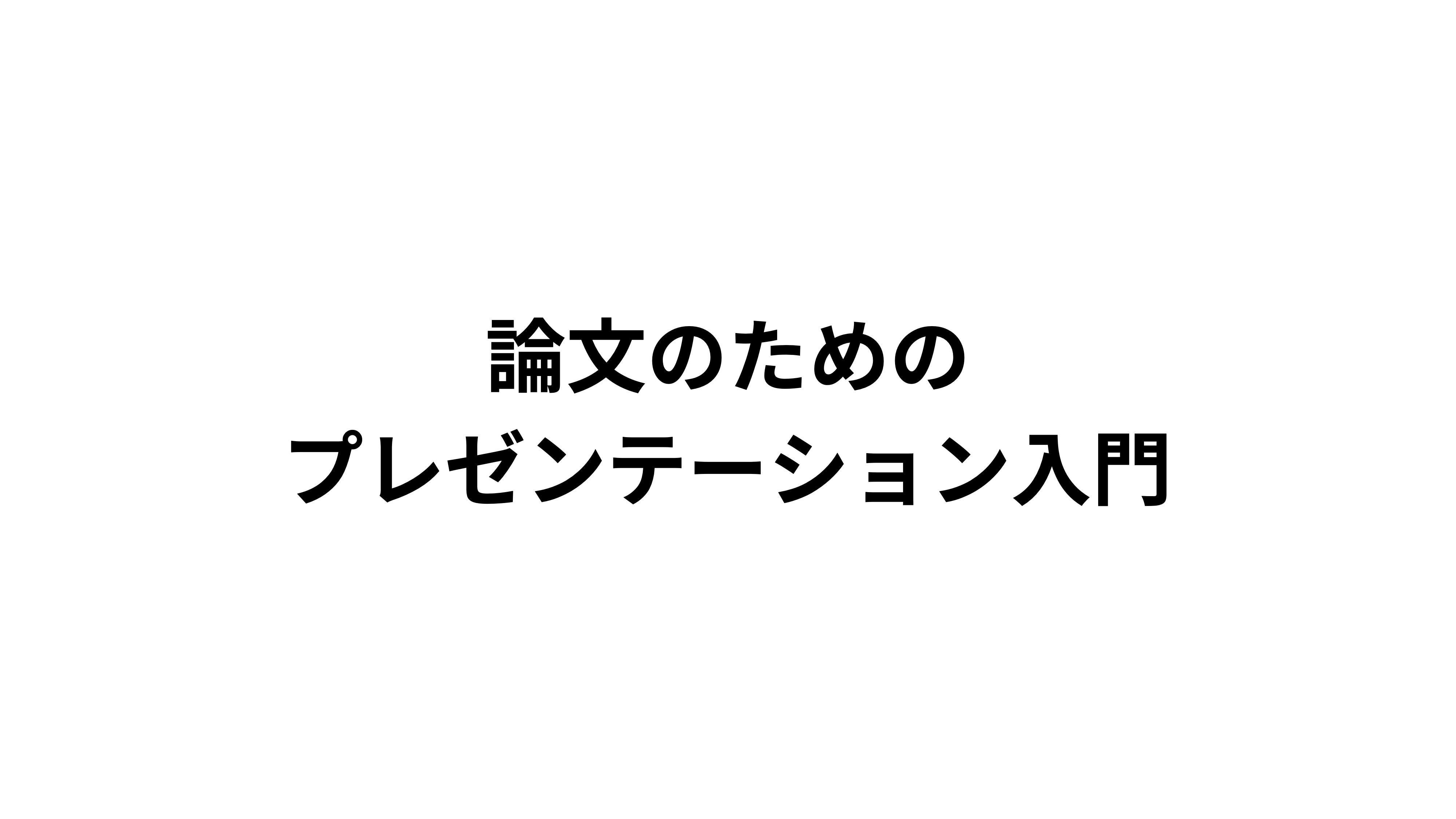
Introduction to
Presentations for Papers
Text Properties
When creating presentation slides for academic papers, keep the following points in mind regarding text properties (font, size, color, alignment, etc.):
- Use Gothic-style fonts: Choose a Gothic (sans-serif) font that is easy to read from a distance.
- Use preset sizes: Use Canva's preset sizes to maintain consistency throughout your slides.
- Align left or center: For readability, left alignment is standard. For titles or slides with little text, consider center alignment.
Next Section
In the next section, we'll look at these points in more detail.