§2.1 Aligning Positions
KM
bykarutt
2025-02-10
Center Alignment
Let's look at the slide from the previous section.
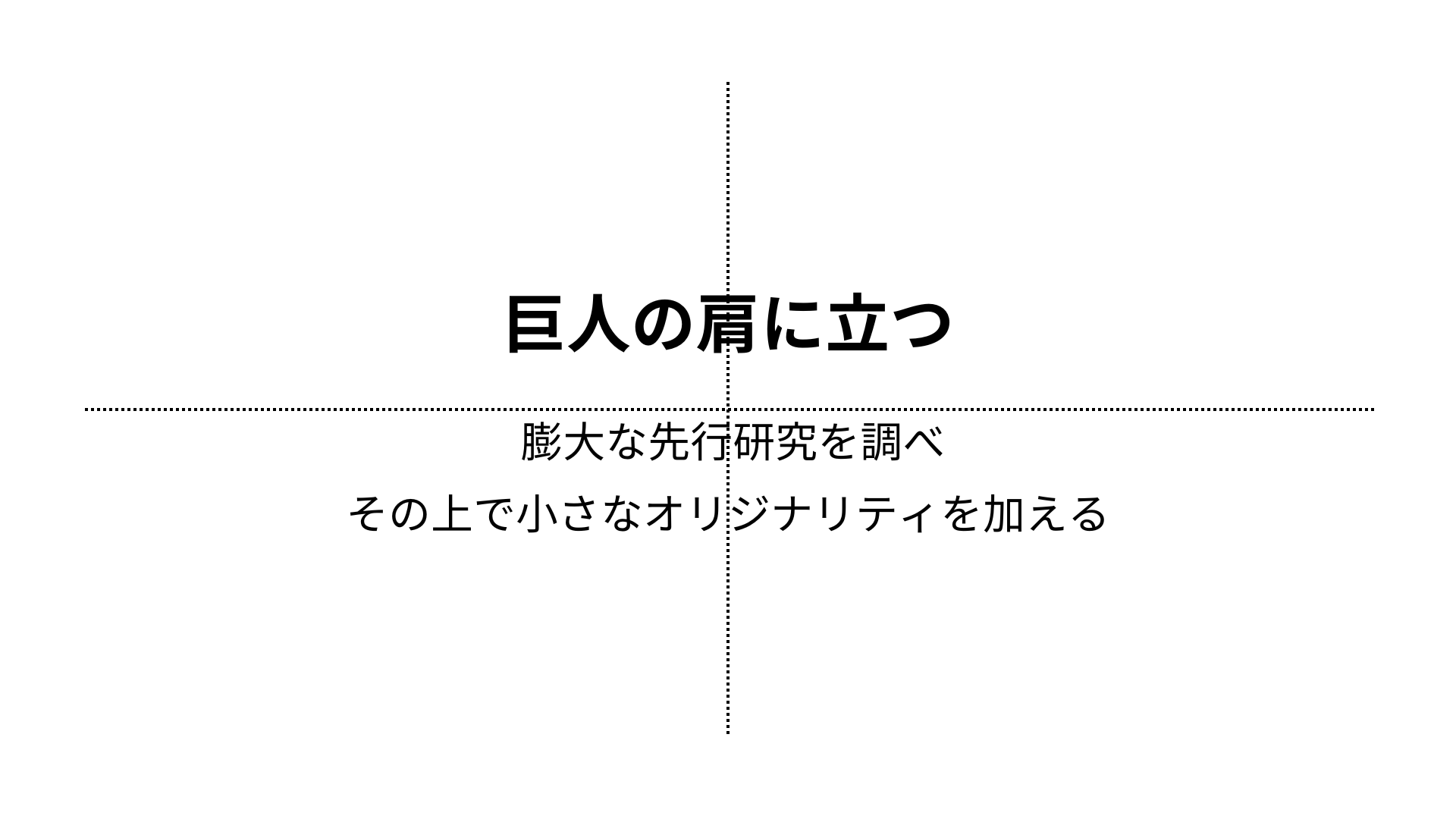
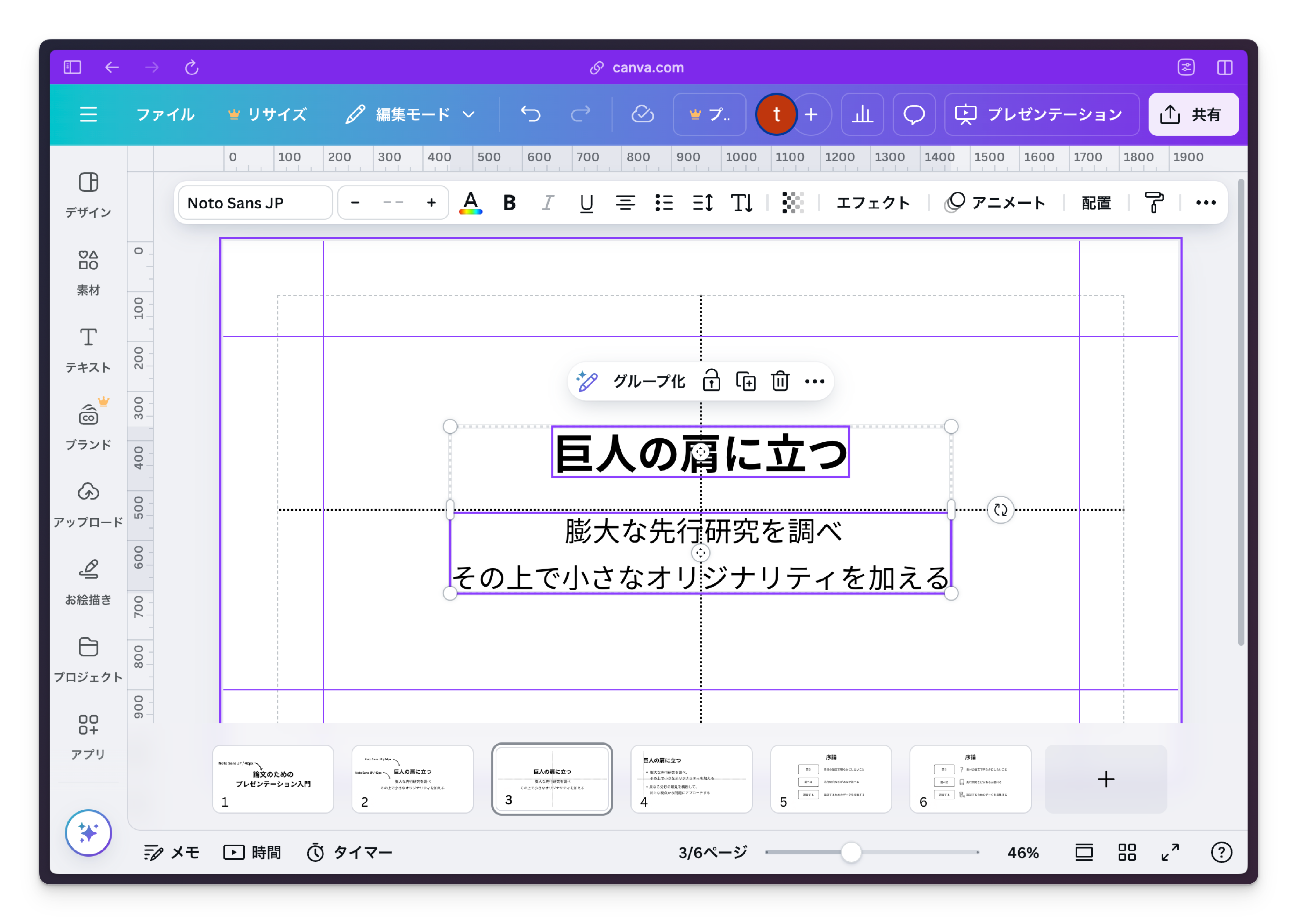
The text is perfectly centered. Canva has a feature called "magnet" to help with alignment. Let's use it to center two objects.
First, select both text objects by holding Shift and clicking them. With both selected, drag them to the center of the screen. The magnet feature will snap them to the exact center.
Left Alignment
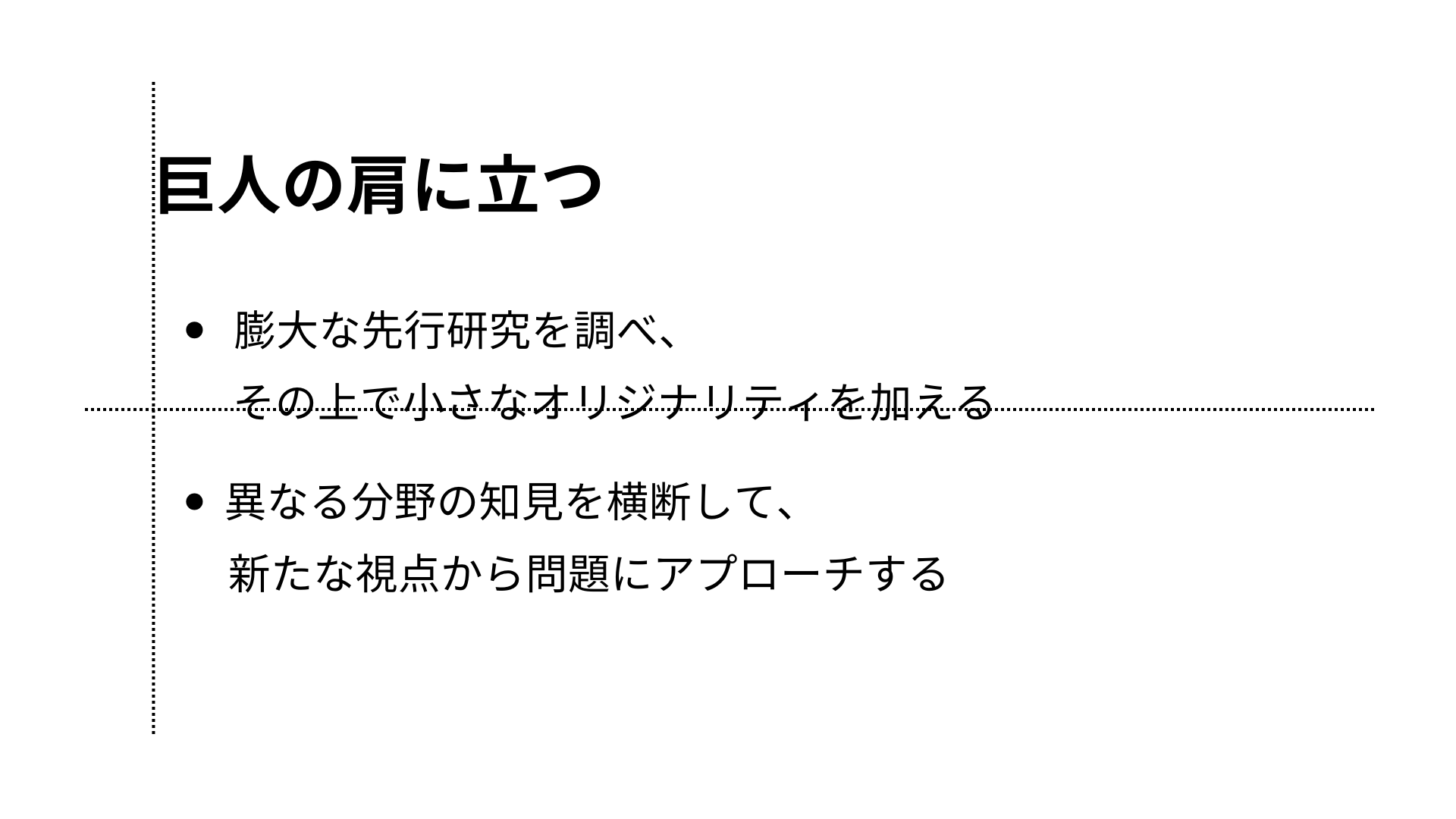
Now, let's change the previous center-aligned layout to a left-aligned layout, which is more suitable for academic slides.
Standing on the shoulders of giants
Researching extensive prior studies
Adding a touch of originality on top
Crossing knowledge from different fields,
Approaching problems from new perspectives
Align the text to the left horizontally and to the top vertically, stacking the text from the top with margins in between.