§1.2 Text Size and Font
KM
bykarutt
2025-02-10
Using Gothic-style Fonts
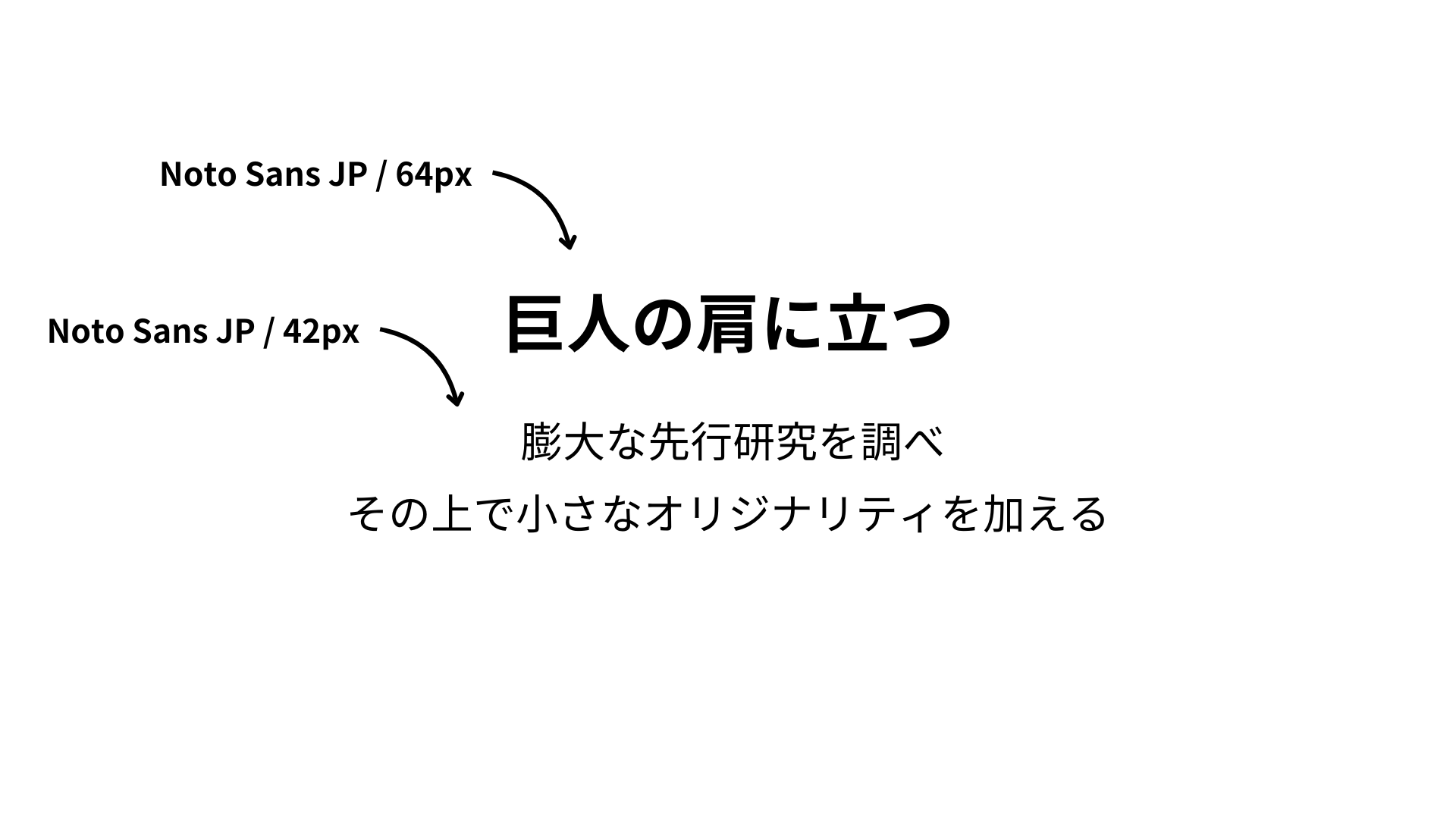
Standing on the shoulders of giants
Researching extensive prior studies
Adding a touch of originality on top
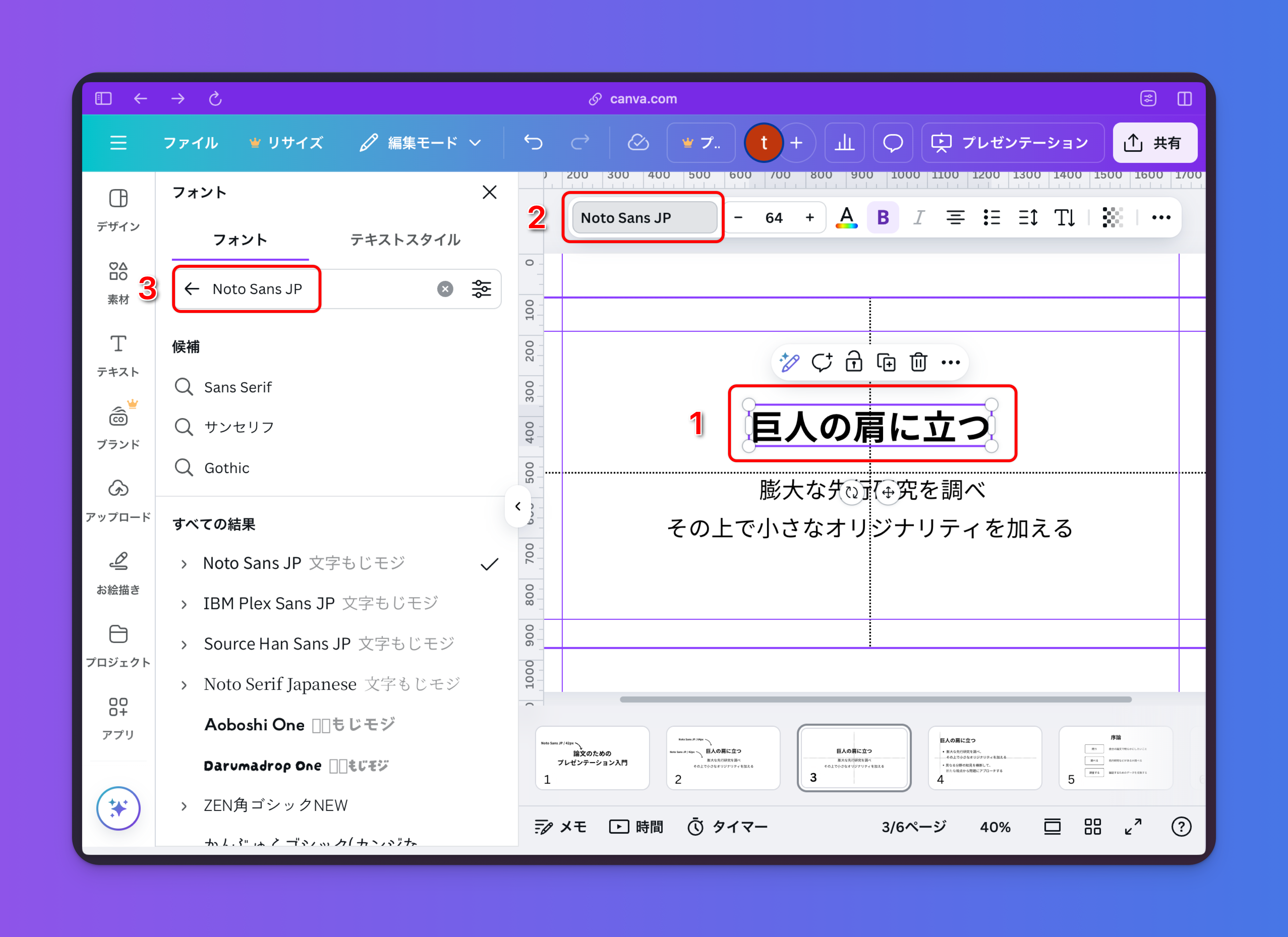
Choose a Gothic (sans-serif) font that is easy to read even from a distance. Canva provides several Gothic fonts by default, such as Noto Sans JP, BIZ UDPGothic, and M1 Plus + 1p. For this example, we'll use Noto Sans JP. To set the font, select your text, click the font property, type Noto Sans JP in the search box, and select it.
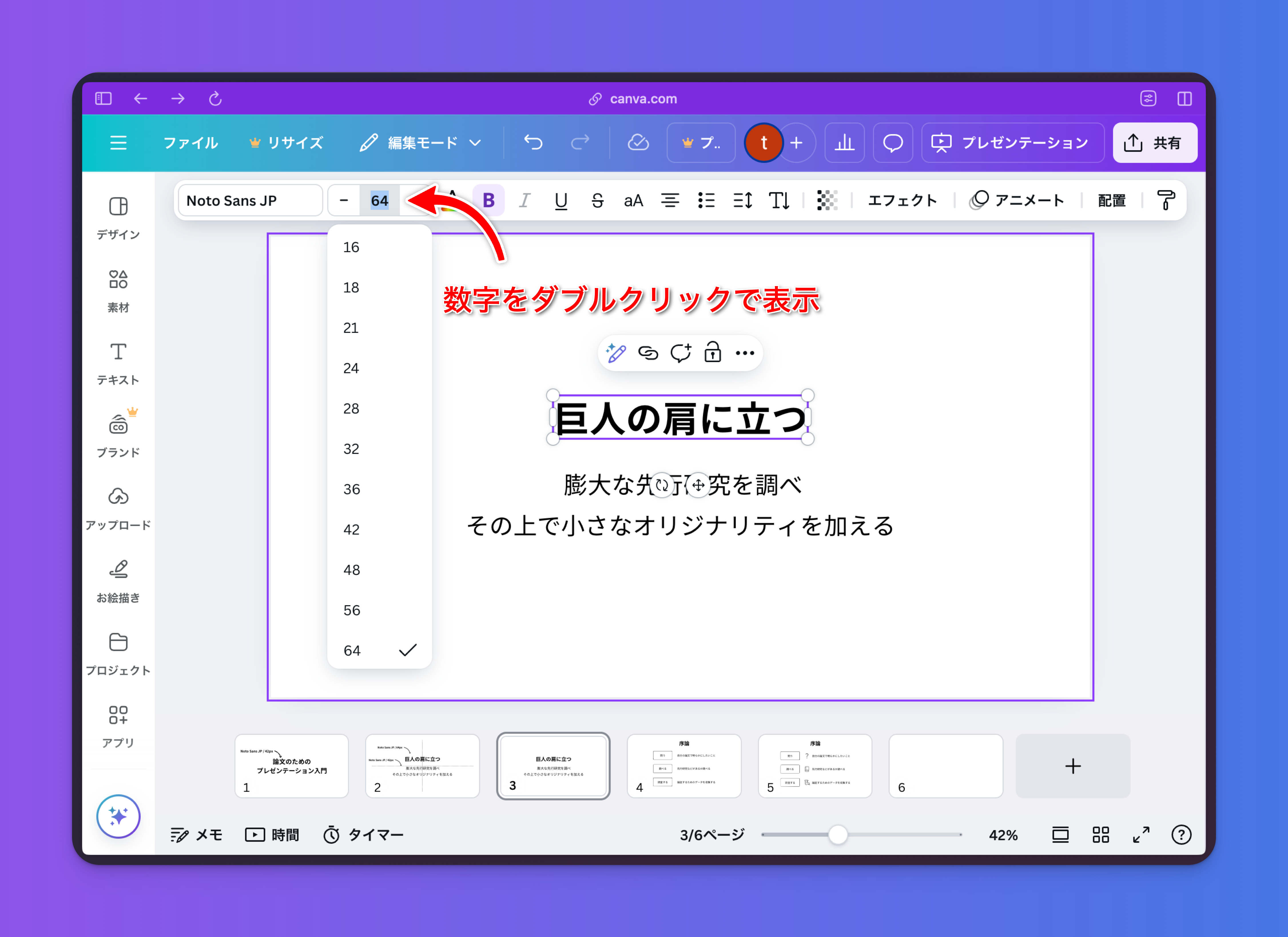
For text size, use the presets to keep your slides consistent (e.g., 12px, 18px, 24px, 32px, 64px, etc.). You can view the presets by double-clicking the font size property.