§1.1 Preparing to Write Code
KM
bykarutt
2025-06-03
Preparing to Run Python
Before starting the lessons, let's get ready to run Python.
0. Create a "python" Folder (First Time Only)
Open your file explorer and create a folder named "python" in your root directory. You will save your Python program files (with the ".py" extension) in this folder.
- File: Data stored on your PC, such as images, music, videos, or documents.
- Folder: A box to organize files. For example, you might have a "Animal Photos" folder containing "dog.jpg," "cat.jpg," etc.
- Extension: The ".xx" part that shows the file type. For example, ".jpg" for images, ".txt" for text files, and ".py" for Python program files.
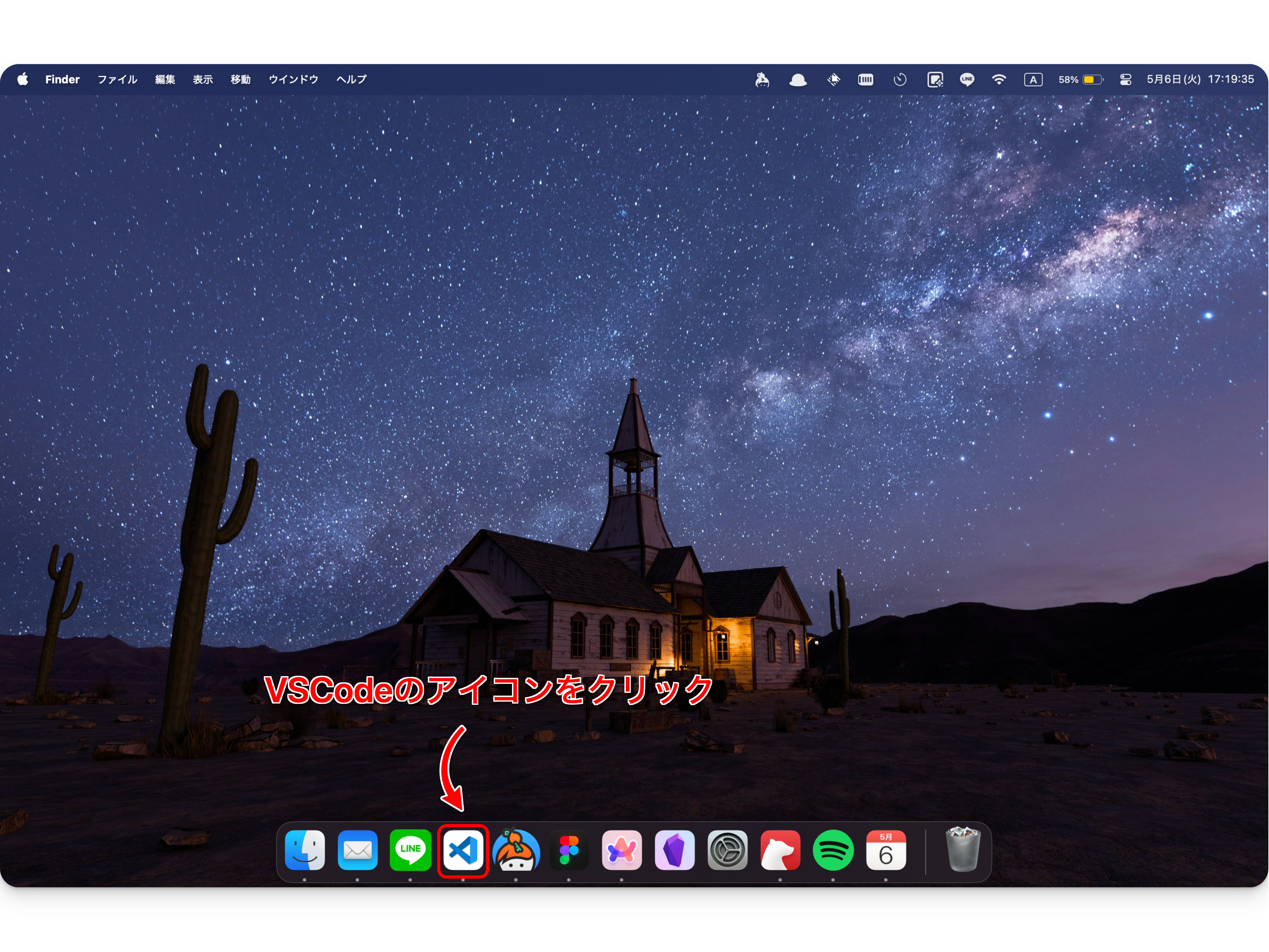
1. Launch VSCode
VSCode (Visual Studio Code) is an editor for writing programs. Double-click the VSCode icon on your computer to start it.
2. Open the "python" Folder
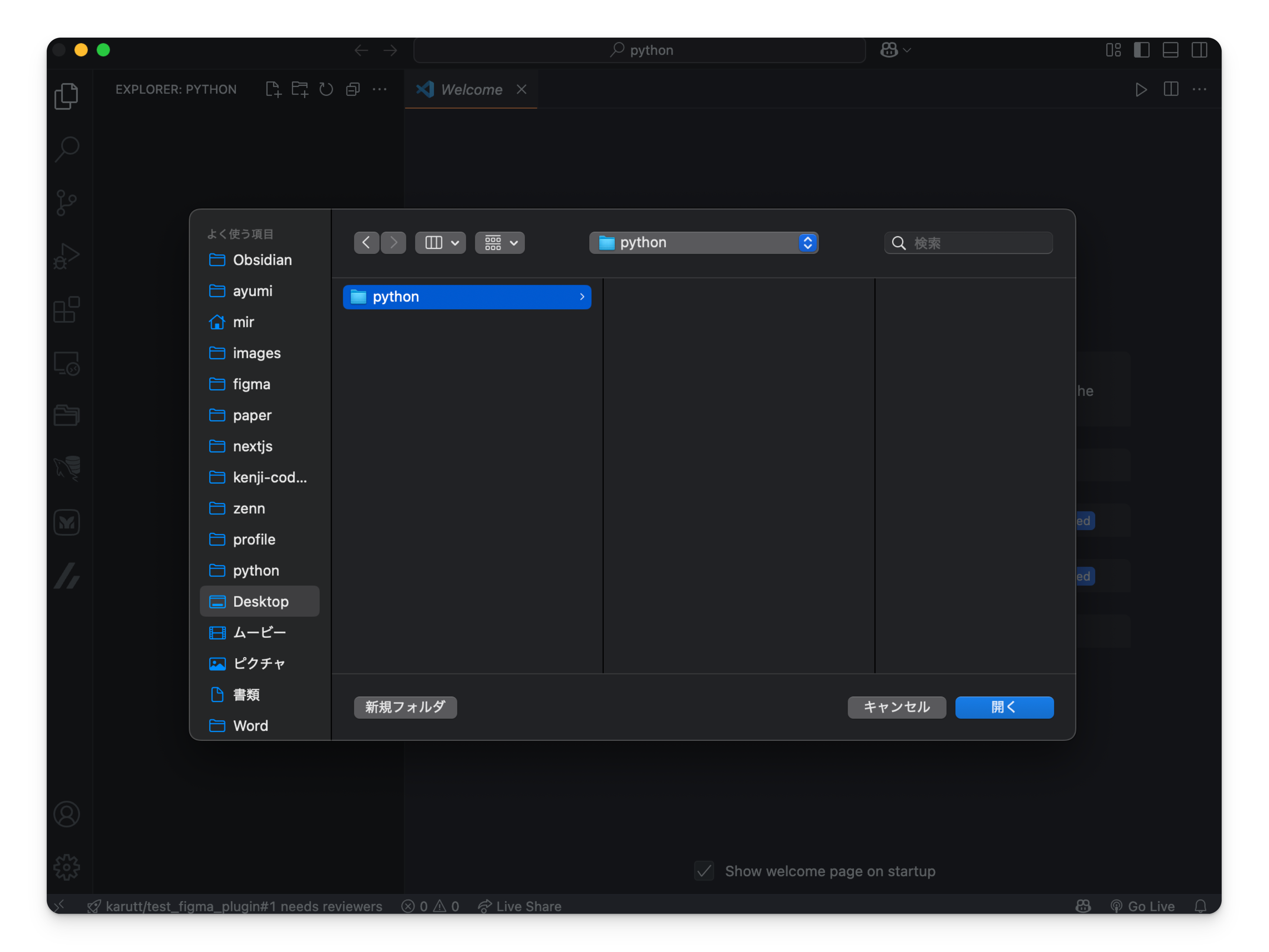
- Once VSCode is open, select "File" → "Open Folder" from the menu. You can also use the shortcut
Ctrl + K Ctrl + O(or⌘ + K ⌘ + Oon Mac). - Select the "python" folder you created and click "Open."
- Folders opened in VSCode are saved in your history.
- To reopen a folder, use
Ctrl + R(or⌘ + Ron Mac) to show the list of recently opened folders and select "python."