§1.0 Running Python
KM
bykarutt
2025-06-03
What is a Programming Language?
A computer cannot think or make decisions on its own. We need to write instructions in a language the computer understands to tell it what we want it to do. This is where "programming languages" come in.
- Role of Programming Languages
- Programming languages are tools to accurately tell the computer what you want it to do.
- Just like a recipe explains how to cook a dish step by step, programming languages describe "what data to use and how to process it" in order.
- The computer reads these instructions and acts as we intend.
What is Python?
Python is a programming language that allows you to give instructions to a computer using grammar that is close to natural human language.
For example, to display text on the screen, you just write one line:
print("Hello!")Other languages often require many symbols or difficult keywords, but Python is intuitive and feels like talking to the computer.
Why is Python Recommended for Beginners?
- Readable Syntax
- You can express code blocks just by indenting.
- It looks clean and natural, almost like English.
- Quick to Run
- You can run the file as-is without special setup.
- It's easy to "write a little and try it right away."
- Lots of Helpful Libraries
- There are many useful components called "libraries" (for image processing, games, AI, etc.).
- You can add them easily with
pip install {library_name}.
What Can You Do with Python?
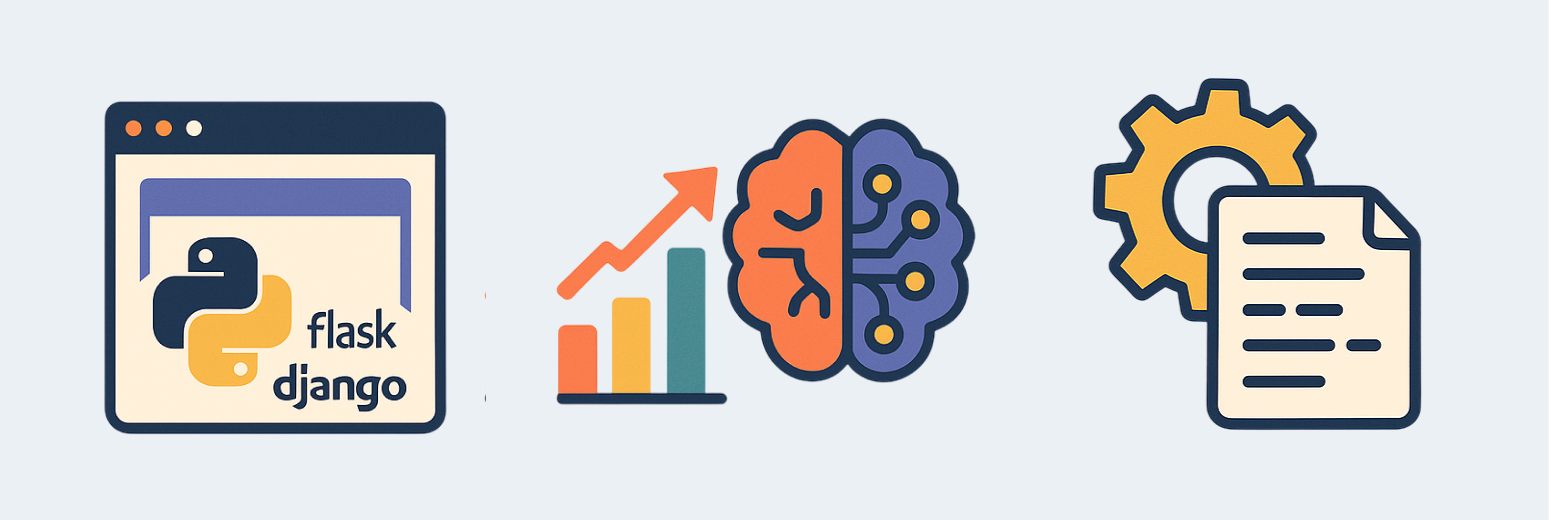
- Create Websites
- You can make shopping sites or blogs using frameworks like "Django" or "Flask."
- Data Analysis & AI
- You can analyze and summarize data with "NumPy" or "Pandas," and try machine learning (AI) with "TensorFlow" or "scikit-learn."
- Automation
- You can automate tedious tasks like file organization, data processing, or sending routine emails.
How to Start with Python
- Install Python
- Download Python from the official website (python.org). It works on Windows and Mac.
- Prepare an Editor
- Get a code editor like VSCode. This makes writing and running code much easier.
- Write Your First Program
- Refer to the next page, "Preparing to Write Code," and try writing your first program!