§1.2 Let's Try Jupyter Notebook
KM
bykarutt
2025-06-03
What is Jupyter Notebook?
Jupyter Notebook is a tool that lets you write and run code in small steps, checking the results as you go. Here are its main features:
- Instant Results
You can run code in small blocks called "cells" and immediately see what happens. - Write Explanations and Notes
You can write text and math in Markdown format next to your code. It's great for keeping learning records or making reports, just like writing comments in a notebook. - Easy Graphs and Charts
You can display graphs and charts right in the cell, making it easy to understand your data.
Getting Started with Jupyter Notebook in VSCode
Creating a Notebook
- Start VSCode and open your
pythonfolder.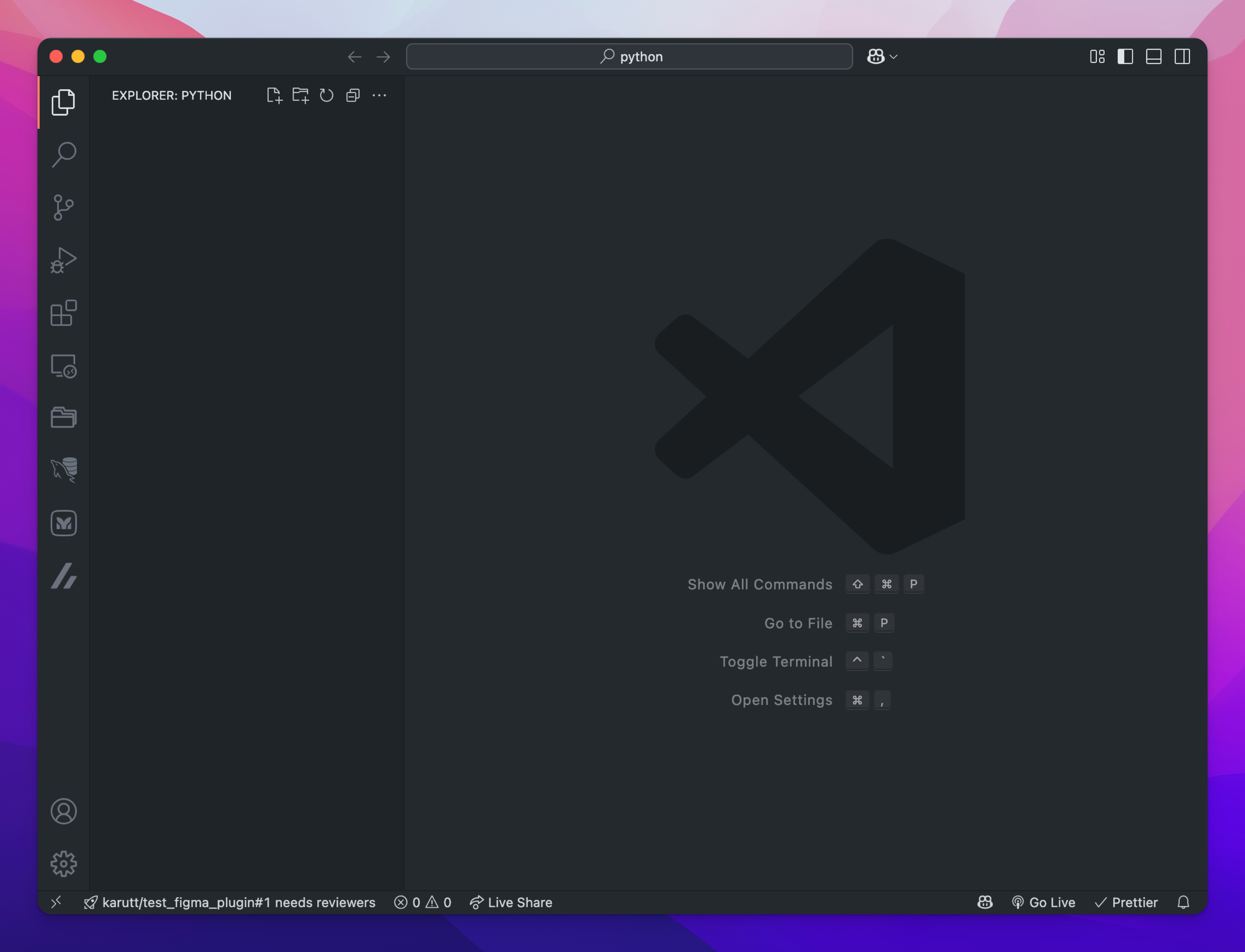
- Click the New File icon in the left sidebar.
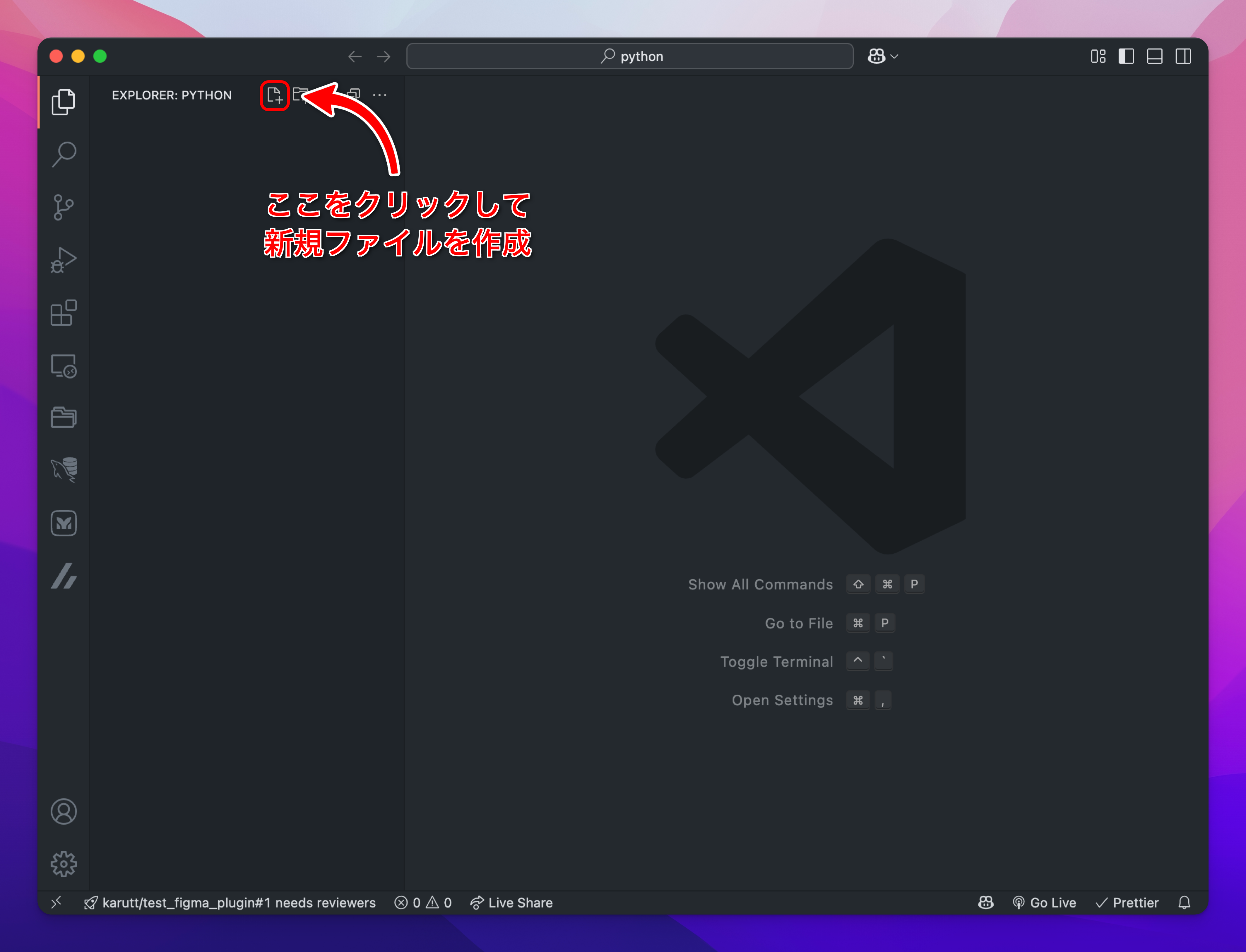
- Save the file as
01_test.ipynb.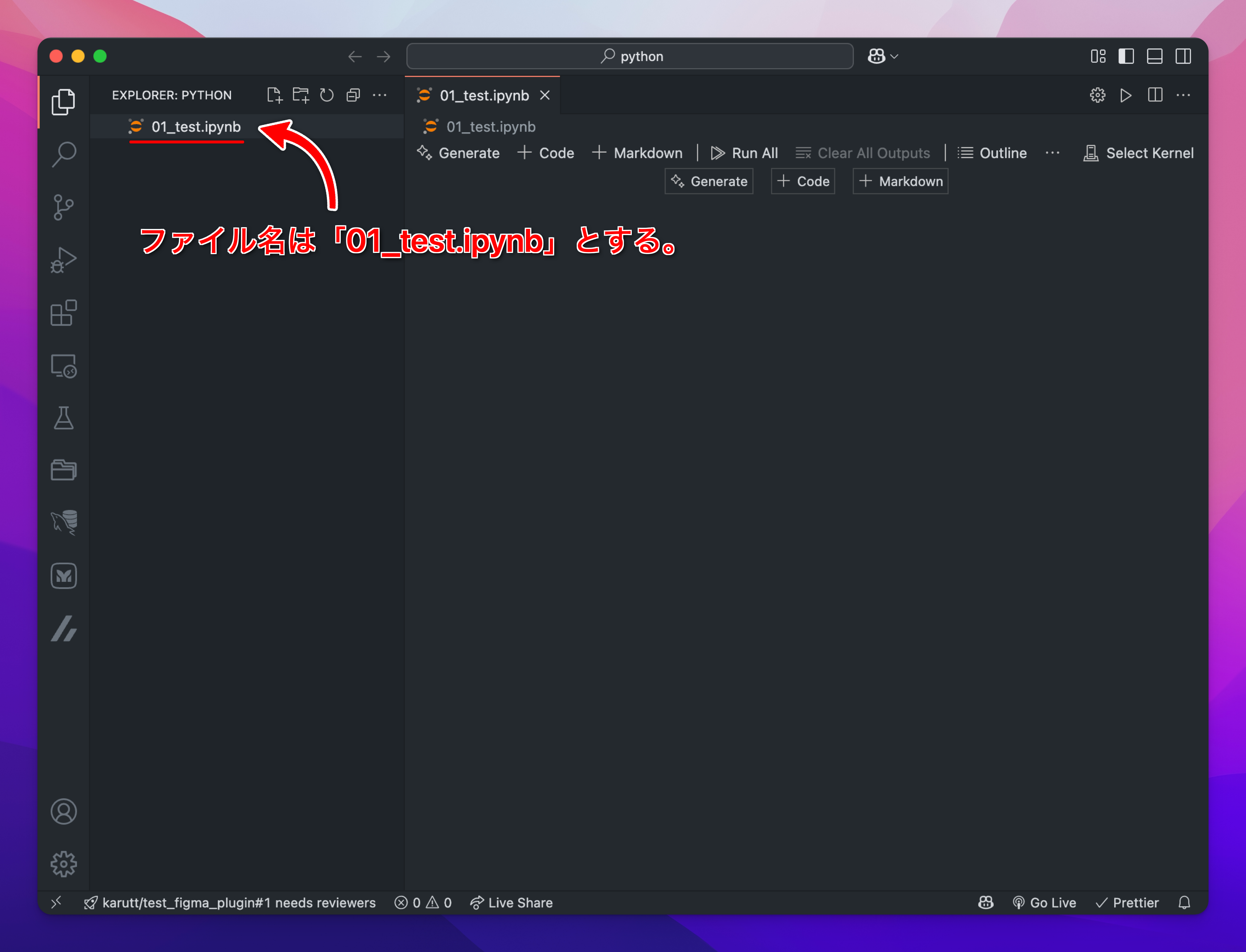
- Open the file and click Select Kernel in the top right.
- Choose "Python Environments..." → "Python 3.11."
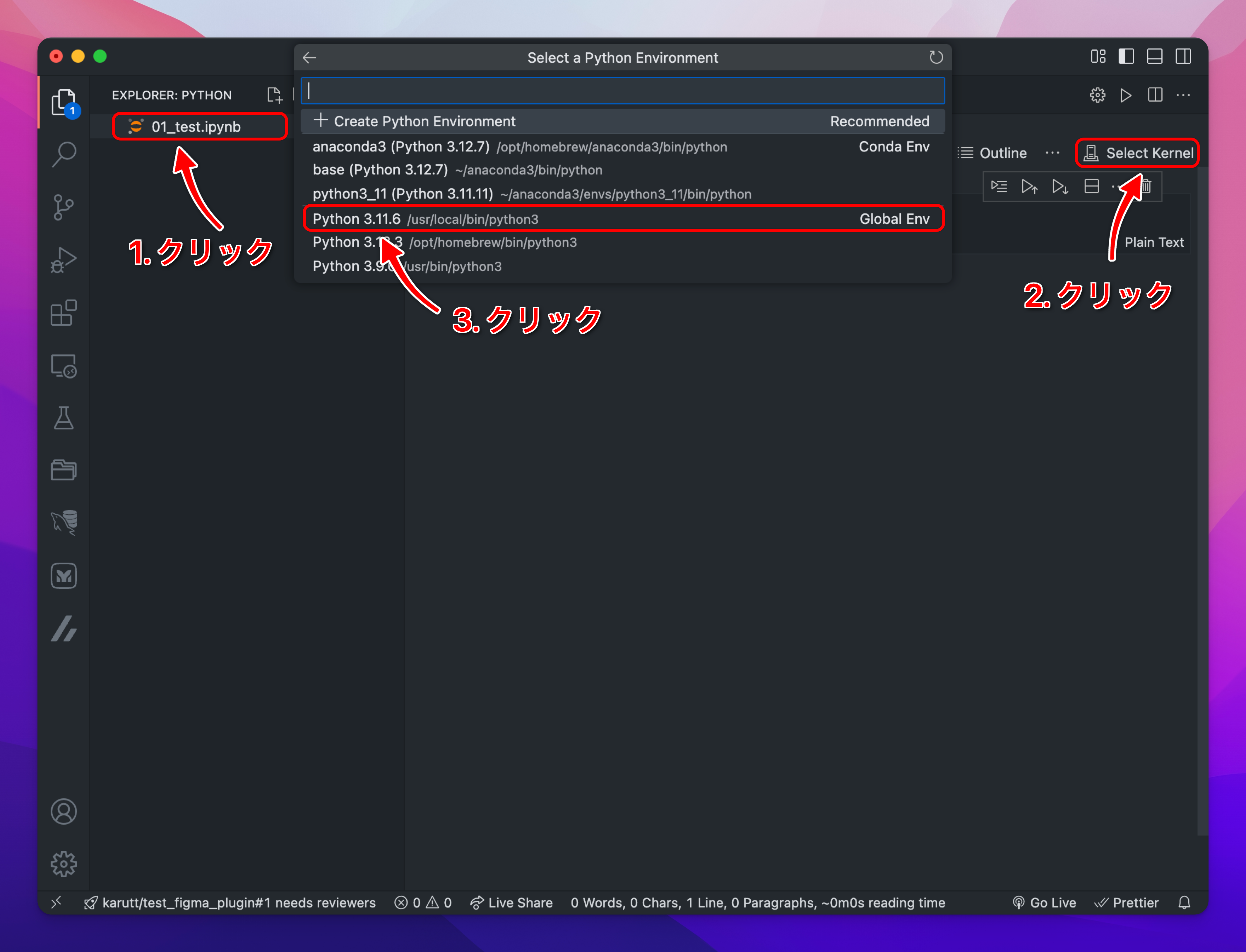
- Choose "Python Environments..." → "Python 3.11."
- Now you can enter code in the cells. Press the shortcut key
Ato add a new cell.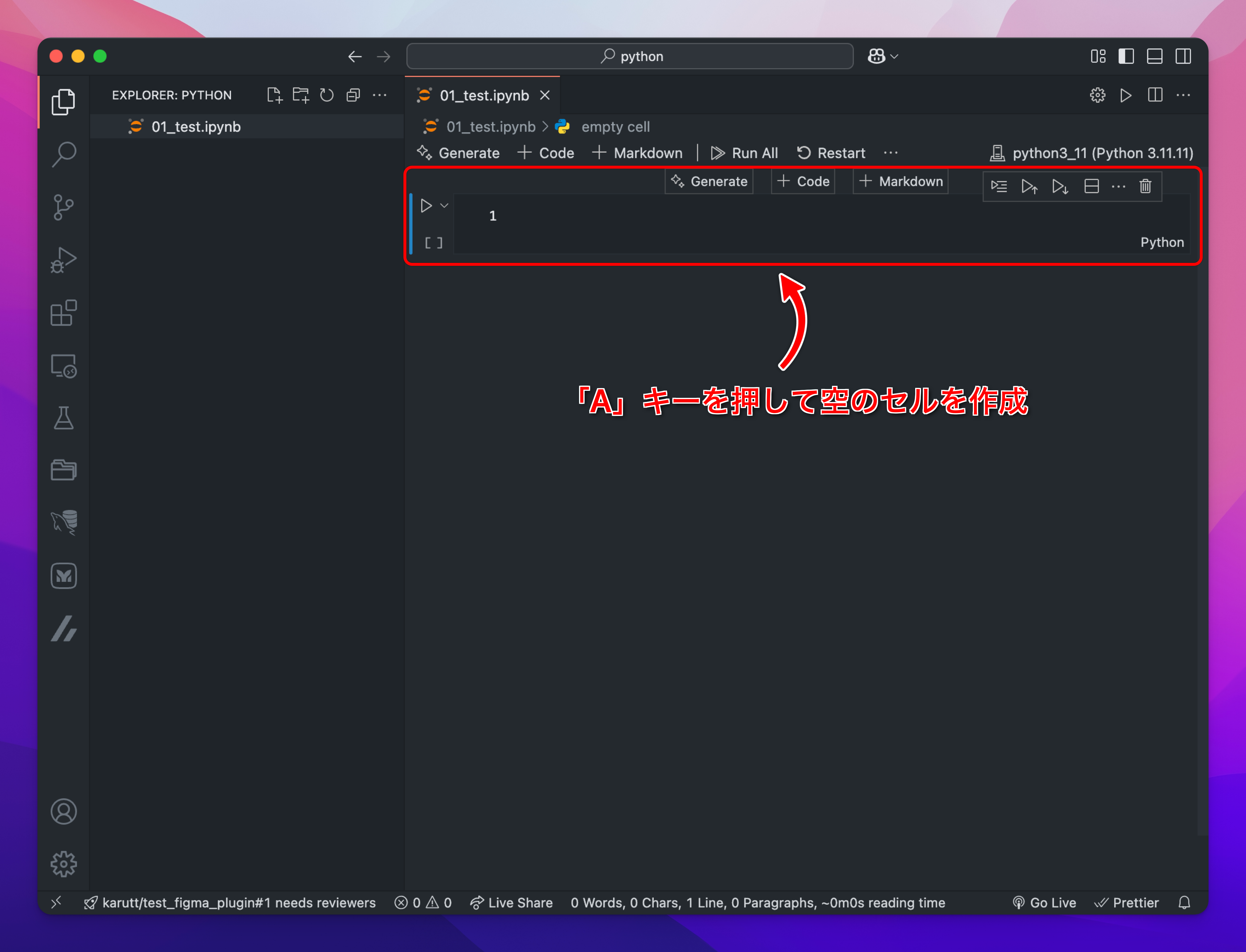
- Enter the following code in a cell and run it with
Shift + Enter:`python
print("Hello!")`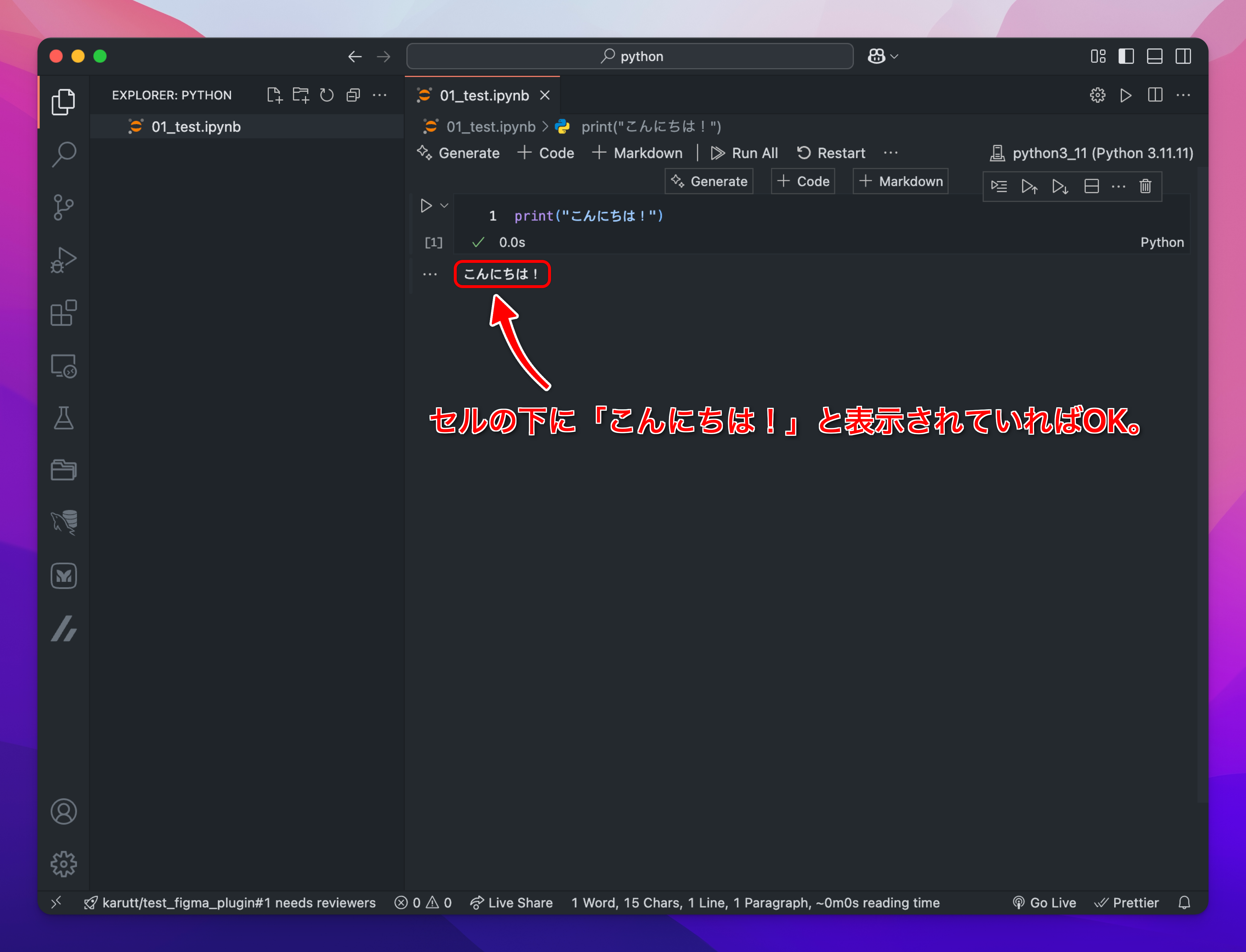
That's it! You've run your first code in a notebook.